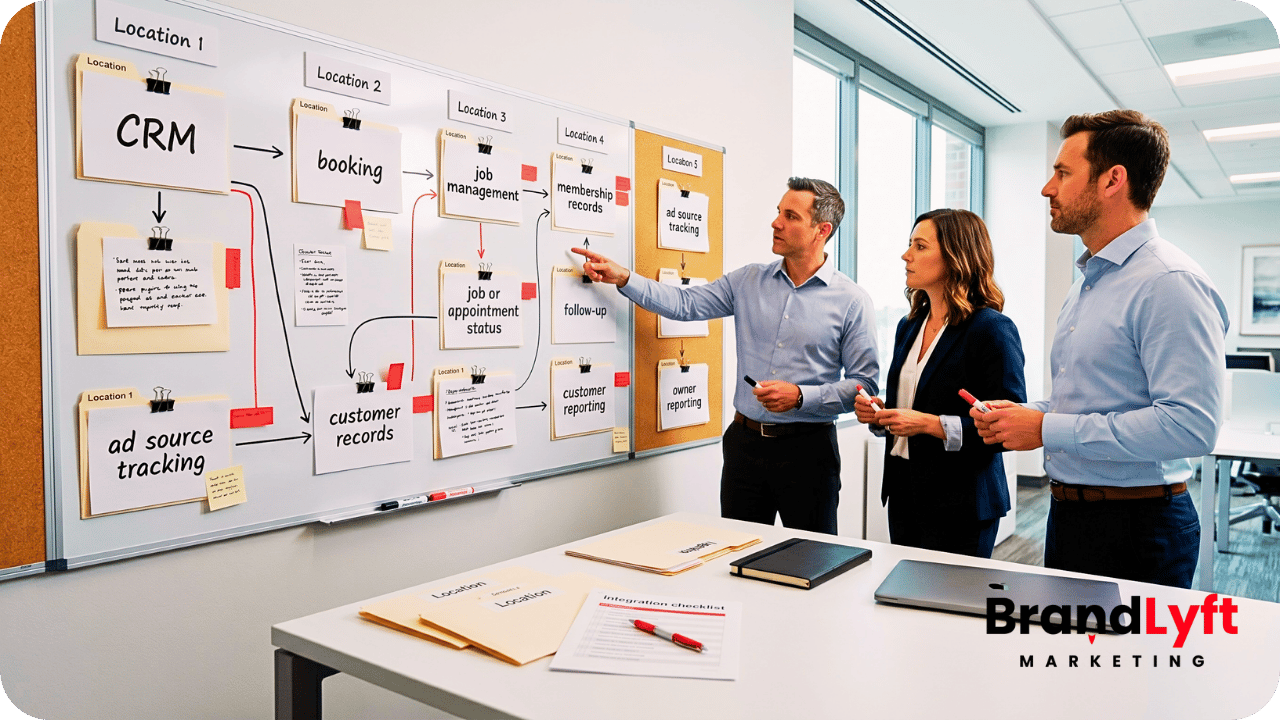
Adding a franchise location to GoHighLevel has an obvious direction. Corporate creates access, connects lead sources, applies the approved setup, and brings the local team into the network.
Removing a location is less obvious.
A location can leave while open opportunities, booked appointments, phone numbers, domains, user accounts, workflows, integrations, and years of reporting still point back to it. Turning off the sub-account first can make the exit harder, not cleaner.
GoHighLevel franchise offboarding needs its own operating plan. The franchise has to stop new work from entering the departing location, settle the work already in motion, decide what data and assets belong to whom, and prove that the rest of the network still behaves correctly after the location is gone.
Offboarding Starts Before Anyone Removes Access
BrandLyft’s GoHighLevel for franchises deployment guide covers the forward lifecycle: how corporate and local teams structure access, routing, calendars, workflows, reporting, and local ownership as locations come into the system.
This article begins when that lifecycle reverses.
The first offboarding decision is not “when do we delete the location?” It is “when does this location stop receiving new work?”
Set a cutoff date and time. From that point, new leads should no longer route into the departing location unless a written exception says otherwise. Forms, paid campaigns, call routing, chat paths, booking links, referral sources, and third-party feeds all need to follow the same cutoff.
That date creates a clean line between new work and old commitments. Without it, a lead can enter the location after staff access has already changed or after the local team believes the franchise relationship has ended.
Stop New Leads Before You Tear Down the Existing Setup
Lead cutoff should happen at the source whenever possible.
Change any ZIP code or territory rule that still sends inquiries to the location before disabling the users who would normally receive them. A local landing page may need to redirect, become unavailable, or route to another approved location. For a branch with its own booking path, stop offering appointment times the remaining network cannot honor.
The franchise also needs a temporary rule for inquiries that still arrive through old paths.
A saved phone number, bookmarked form, old ad, local listing, or referral link can stay in circulation after the planned cutoff. Those events should land somewhere visible instead of disappearing into an account nobody watches.
BrandLyft’s multi-location rollout article explains why unclear routing creates trouble while a network expands. Offboarding applies the same ownership question in reverse: once this location stops taking leads, who receives the next one?
Open Opportunities Need a Disposition, Not a Bulk Move
The location may stop accepting new leads while active sales work is still unfinished.
Review open opportunities before changing ownership in bulk. Some may be dead records that should have closed months ago. Others may represent estimates already promised, appointments already booked, customers waiting on a return call, or work that another location has agreed to continue.
The offboarding record should classify each active item.
| Active item | Decision before exit | Evidence to keep |
|---|---|---|
| Open opportunity | Close, transfer, or leave with the departing business under the agreed data path | Current owner, stage, next action, notes, agreed destination |
| Booked appointment | Honor, cancel, or rebook with another approved location | Date, calendar, customer notice, receiving owner |
| Promised callback or task | Complete locally or reassign with context | Due date, conversation context, new owner |
| Active customer issue | Assign the business that will own the relationship after exit | Customer history, responsibility, communication sent |
Do not make the CRM guess. A stage change or owner reassignment cannot decide whether another franchise location has actually accepted the customer commitment.
Appointments Need a Customer-Safe Handoff
Upcoming appointments create a deadline inside the offboarding deadline.
Look far enough ahead to catch appointments booked after the location’s final operating day. Then decide which ones the departing business will honor and which ones the franchise network must move.
If another location takes the appointment, confirm the new calendar, assigned person, service area, meeting location, and remaining reminders before sending the customer an update. A calendar record should not move while old confirmations continue to point at the departing branch.
External calendar connections need extra attention when the offboarding plan includes a HighLevel sub-account transfer. HighLevel’s current sub-account ejection documentation states that GHL calendars can transfer while external calendar integrations disconnect during an ejection to a new agency. That means “the calendar moved” does not prove the outside connection still works.
Active Automations Need a Finish, Stop, or Transfer Decision
Turning off users does not stop every automated message.
List the workflows that can still communicate with leads or customers from the departing location. Pay attention to nurture, appointment reminders, review requests, no-show follow-up, reactivation, internal alerts, pipeline movement, and any automation triggered by a connected system.
Decide what happens to each group already enrolled.
Some sequences may finish because the departing business still owns the customer. Others should stop at the cutoff. A smaller set may need to continue under a receiving location with new ownership, sender details, calendar links, and stop conditions.
Do not simply clone or re-enroll everyone. That can repeat messages, restart waits, create duplicate opportunities, or send local offers that no longer apply.
The transfer path matters too. HighLevel documents in the same sub-account ejection guide that automations transfer in Draft even though contacts remain enrolled. That is one reason the business should map active automation before the account changes hands rather than assume everything continues unchanged.
Location Exit Check
Remove the location without leaving customer work behind
BrandLyft’s GoHighLevel for Franchises work covers shared CRM structure, location ownership, routing, permissions, reporting, and the changes that happen when the network itself changes.
Review GoHighLevel for Franchises
Need the wider implementation layer? See BrandLyft’s GoHighLevel Partner service.
User Access Should Change After Work Ownership Is Clear
User removal is a security step, but the timing matters.
Identify every local user, regional user, agency user, contractor, shared login, and outside vendor that can enter the location or act on its data. HighLevel’s current user-access documentation covers agency and sub-account access, while more granular location permissions can limit what a user can see or change.
Before removing the local team, move the work they no longer own. Reassign open items, record any final exports or handoff evidence, and confirm who still needs temporary read access during the transition.
Then remove or restrict access according to the offboarding date.
Do not leave a former location owner with network-wide access simply because the original user setup was broad. The reverse matters too: corporate users may still need historical access after local users are gone.
Phone Numbers, Domains, and Senders Are Business Assets
A phone number can be more important to the departing location than the pipeline itself.
Customers may have saved it. Listings may publish it. Ads, signs, vehicles, and old emails may still point to it. Decide who owns the number and where it should ring after the cutoff before disconnecting the location.
HighLevel’s phone-transfer behavior depends on the phone system and transfer path. Its current number-moving documentation supports eligible moves between sub-accounts inside the same agency, while some Twilio arrangements require separate coordination. Treat the phone number as its own offboarding item rather than assuming it follows the account automatically.
Domains need the same ownership check. A landing-page domain, tracking domain, or email sending domain may belong to corporate, the franchisee, or another provider. HighLevel’s LC Email domain documentation notes that deleting a dedicated sending domain removes its association with the sub-account immediately and stops email sending from that location, while the underlying domain at the registrar remains intact.
Record who controls the DNS, registrar, email sender, and any local domain before someone removes a setting that the receiving party still needs.
Disconnect Integrations Without Breaking Another Location
Franchise locations often connect more than GHL.
Google accounts, Facebook pages, payment tools, accounting software, call providers, booking tools, reputation platforms, field systems, webhooks, private integrations, and API credentials may all sit inside or point at the location.
Build an integration inventory before changing them.
For each connection, record who owns the outside account, which location or corporate process depends on it, the credential or connection type, what events move through it, and what should happen after the exit.
Shared credentials need special care. Revoking a corporate credential because one location leaves can break other sub-accounts or outside services. A location-owned credential may need the opposite treatment: remove corporate access and let the local business reconnect it elsewhere.
HighLevel’s sub-account transfer guidance also shows why this cannot be treated as a simple move. Some auth connections and platform settings do not transfer with the sub-account, even when contacts, conversations, appointments, opportunities, and supported assets do.
Decide Data Ownership Before Exporting Anything
“Export the CRM” sounds clear until people ask what the export actually contains.
Start with the business agreement and any applicable legal or contractual requirements. Decide which party owns customer records, prospect records, conversation history, appointments, opportunities, local notes, reporting history, and operational data created during the franchise relationship.
Then choose the technical path that matches that decision.
A contact CSV is not the same as transferring a sub-account. HighLevel’s current contact-export documentation notes that CSV exports do not include automation history such as past email and SMS logs, and long notes can be truncated. A sub-account transfer, by contrast, moves the whole sub-account rather than a selected slice and keeps contacts, conversations, supported assets, and account history together.
Those are different outcomes.
A selected-data export may fit when the agreement says the departing business should receive a copy of defined contact records. A location that will continue operating independently may be better served by an eligible sub-account transfer when it should retain the working account. When corporate keeps the CRM and releases only defined records, leave the corporate account intact and document exactly what left.
Do not delete first and negotiate ownership later.
Corporate Templates and Shared Assets Should Stay Corporate
A franchise location may use forms, funnels, workflows, email templates, SMS copy, custom values, pipelines, reporting layouts, and other assets created from corporate standards.
Using an asset does not automatically answer who owns it after exit.
Mark the assets that are corporate-controlled, location-created, licensed from another provider, or specific to the local business. Remove local credentials and local data from corporate templates before another location reuses them.

If the departing location receives a transferred sub-account, review what the transfer carries with it. HighLevel transfers supported websites, funnels, calendars, automations, contacts, conversations, appointments, opportunities, and history in certain transfer scenarios. That can be useful, but it also means the franchise should decide whether corporate-owned material can leave inside that account before the transfer starts.
A transfer button should not make the ownership decision.
Reporting Needs a Cutoff Without Erasing the Past
Corporate reporting should stop treating the departing branch as an active location after the agreed cutoff.
That does not mean its historical performance should disappear.
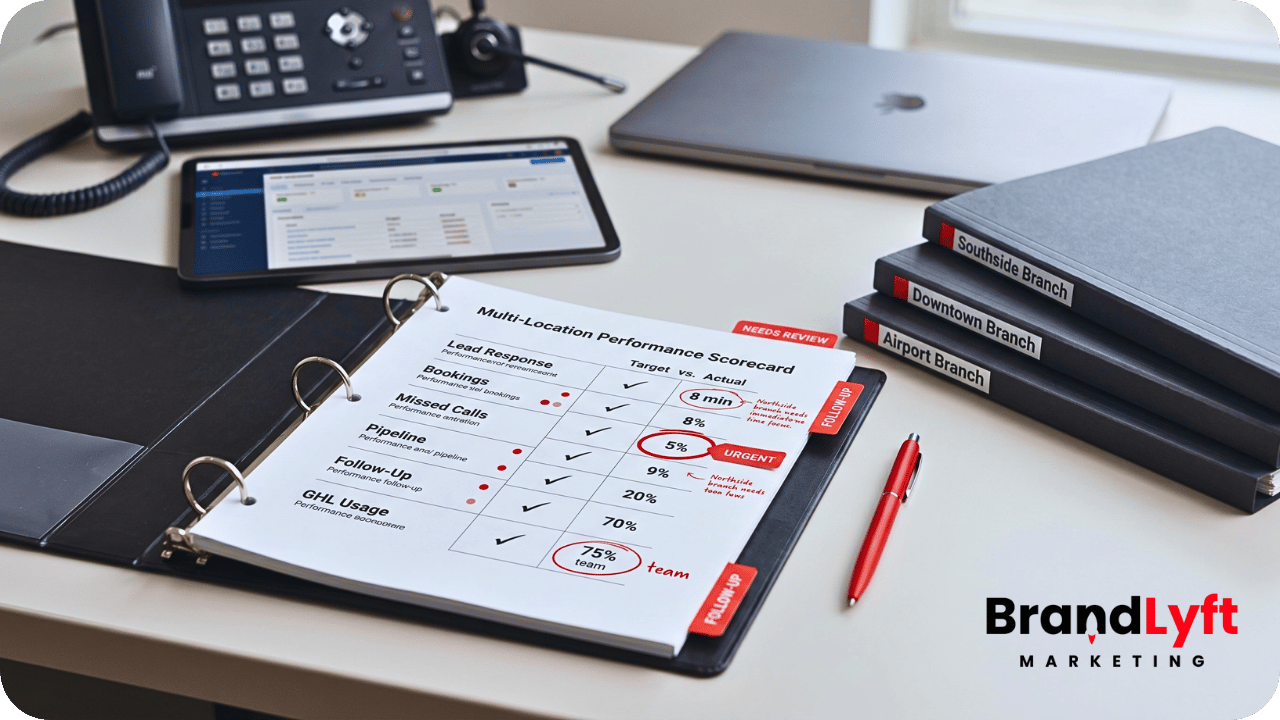
Define the final reporting date and preserve the fields that identify the location in historical records. Dashboards used for current network performance can exclude the exited location after that date while historical reports still keep its earlier leads, appointments, opportunities, and outcomes in the right period.
Watch calculated network metrics after removal. Lead volume, close rate, response time, pipeline value, and source performance can change simply because one location disappeared from the active filter.
Record the cutoff so leadership knows the difference between a real performance change and a reporting-population change.
Choose the Exit Path Before the Final Deactivation
Not every location departure should end with the same HighLevel action.
The business may keep the sub-account for historical reference, transfer it to another agency, eject it so the departing business can operate independently, pause it temporarily, or delete it after the required records and assets are settled.
Those actions have different consequences.
HighLevel’s current sub-account transfer guide explains that a transfer moves the entire sub-account and that some phone, email, auth, subscription, and integration behavior depends on the releasing and receiving setup. Its sub-account deletion guide gives a 24-hour grace period to undo a scheduled deletion and recommends disconnecting third-party integrations before deletion.
Use the irreversible option last.
Offboarding should reach deletion only after new-lead routing, active customer work, data ownership, asset ownership, access, integrations, phone, email, domains, and reporting have already been decided.
Final Verification Should Prove the Rest of the Network Still Works
The location is not fully offboarded when its login stops working.
Run a small set of controlled tests after the change.
Submit a lead from the exited territory and confirm the new routing rule. Call the old published number if it was redirected. Check a remaining location that shared a workflow, integration, domain, or corporate credential. Open current network reporting and confirm the exited branch no longer appears where active locations are expected.
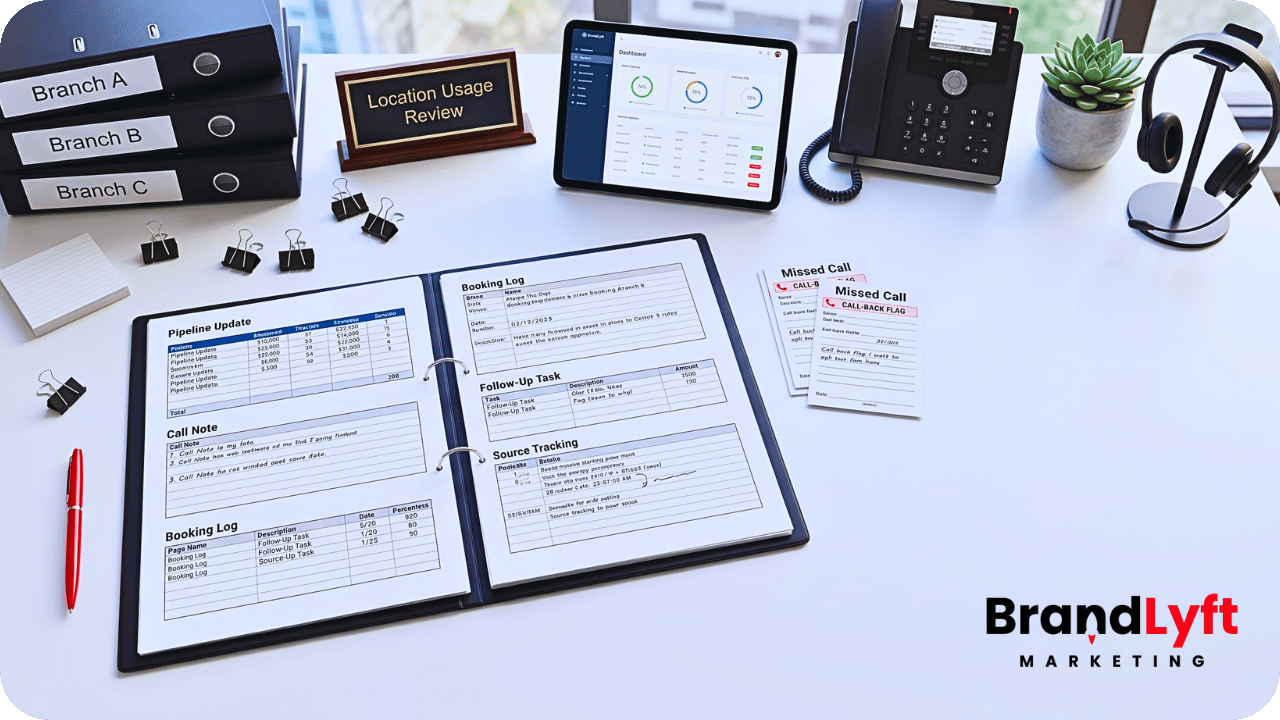
Also inspect the handoff record. Open opportunities should have a final owner or disposition. Future appointments should have a valid destination. Local users should have the access agreed for the new state. Shared integrations should still work. Historical reporting should remain explainable.
If the location was transferred, test the transferred account from the receiving side and the remaining franchise setup from the corporate side. A successful transfer request does not prove every dependency survived the move.
GoHighLevel Franchise Offboarding Is a Reverse Lifecycle, Not an Account Deletion
GoHighLevel franchise offboarding starts when the location stops receiving new work, not when somebody clicks Delete.
The franchise needs to settle the leads and appointments already in motion. Automation needs a finish, stop, or transfer rule. Access needs to change after ownership does. Phone numbers, domains, senders, credentials, and shared integrations need named owners. Customer and prospect data need an agreed destination. Corporate assets need protection. Reporting needs a clean cutoff without rewriting history.
Only then does the final account action make sense.
A good exit leaves the departing location with what it is entitled to keep and leaves the remaining network without dead routes, broken integrations, orphaned customers, or reporting nobody can explain.
Franchise Location Exit
Remove one location without damaging the rest of the GHL network
BrandLyft can review the routing, customer handoff, access, assets, integrations, reporting, and account path involved when a franchise location leaves.
Need the wider multi-location implementation path? Review GoHighLevel for Franchises.